
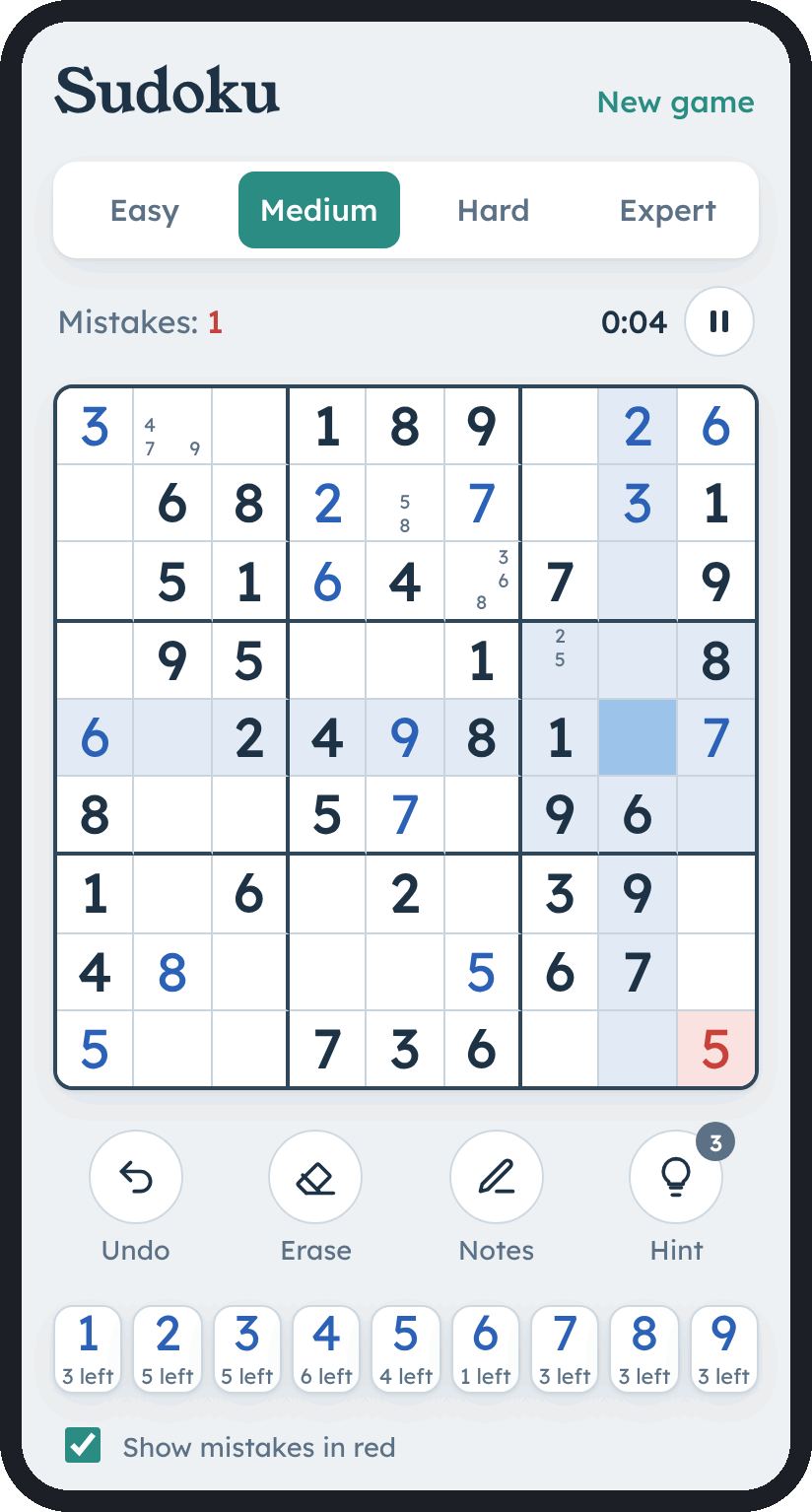
This one is just for fun. It’s a plain Sudoku that runs in the web browser on your phone, tablet or computer. There are no adverts, no account, nothing to install from an app store, and once it has loaded it doesn’t need an internet connection at all, so it’s handy on a plane, on the beach or anywhere the signal gives up.
Play Sudoku (free, works offline)
Four levels
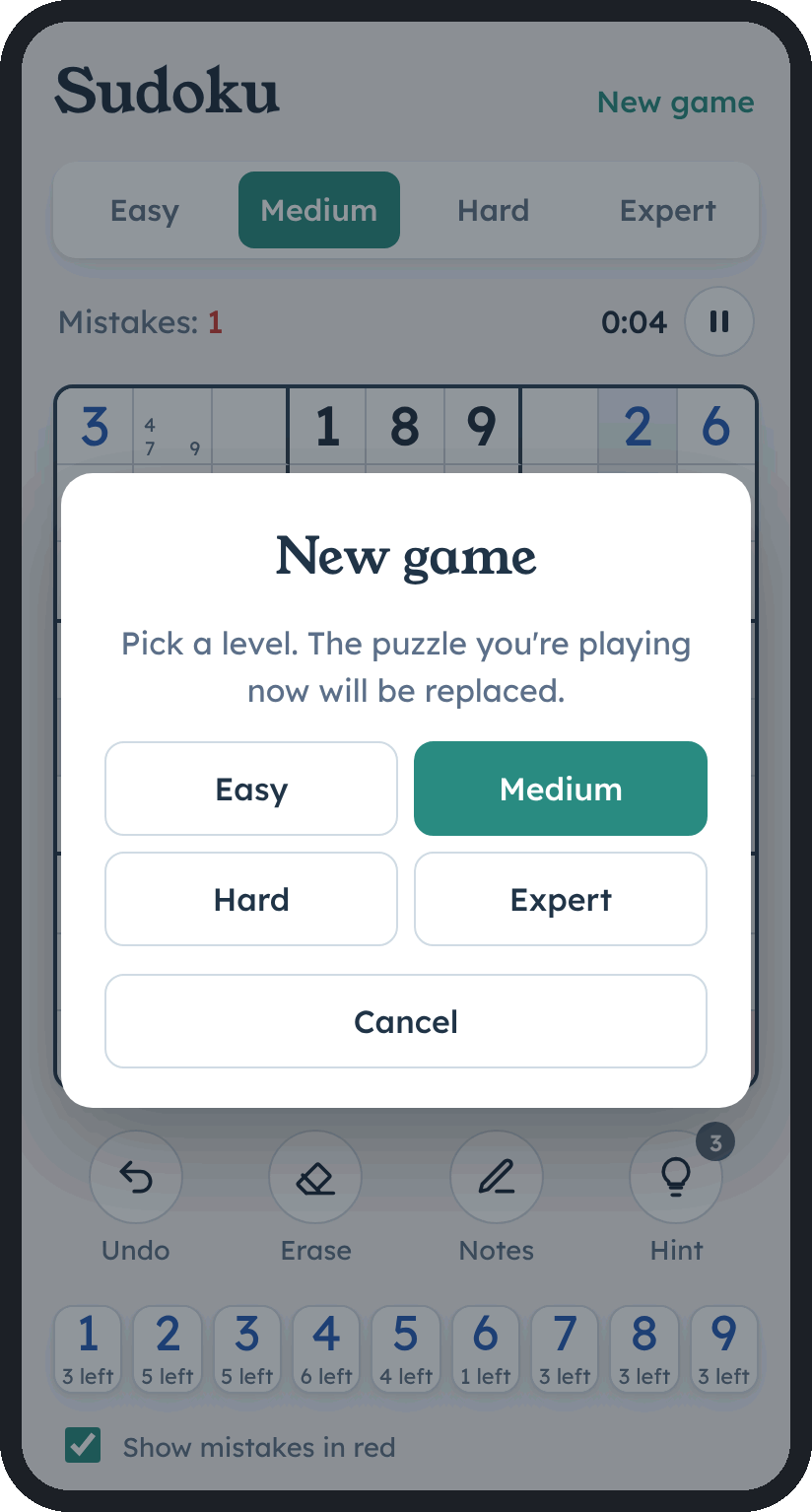
Pick Easy, Medium, Hard or Expert along the top, or press New game and choose a level. Every puzzle is made up fresh on your device, so you won’t run out. Easy gives you plenty of numbers to start with; Expert gives you very few.
What it does
- Notes: turn on Notes and the numbers you tap go in small, as pencil marks, so you can keep track of what could go where.
- Mistakes in red: a wrong number shows in red straight away and the mistakes counter goes up. If you’d rather find your own mistakes, untick Show mistakes in red.
- Three hints a game, for when you’re properly stuck.
- Undo and Erase, so nothing is final.
- How many are left: under each number on the keypad it tells you how many more of that number still need placing.
- A timer with a pause button, and it remembers your best time for each level.
- It saves as you go. Close it halfway through and the same puzzle is waiting when you come back.
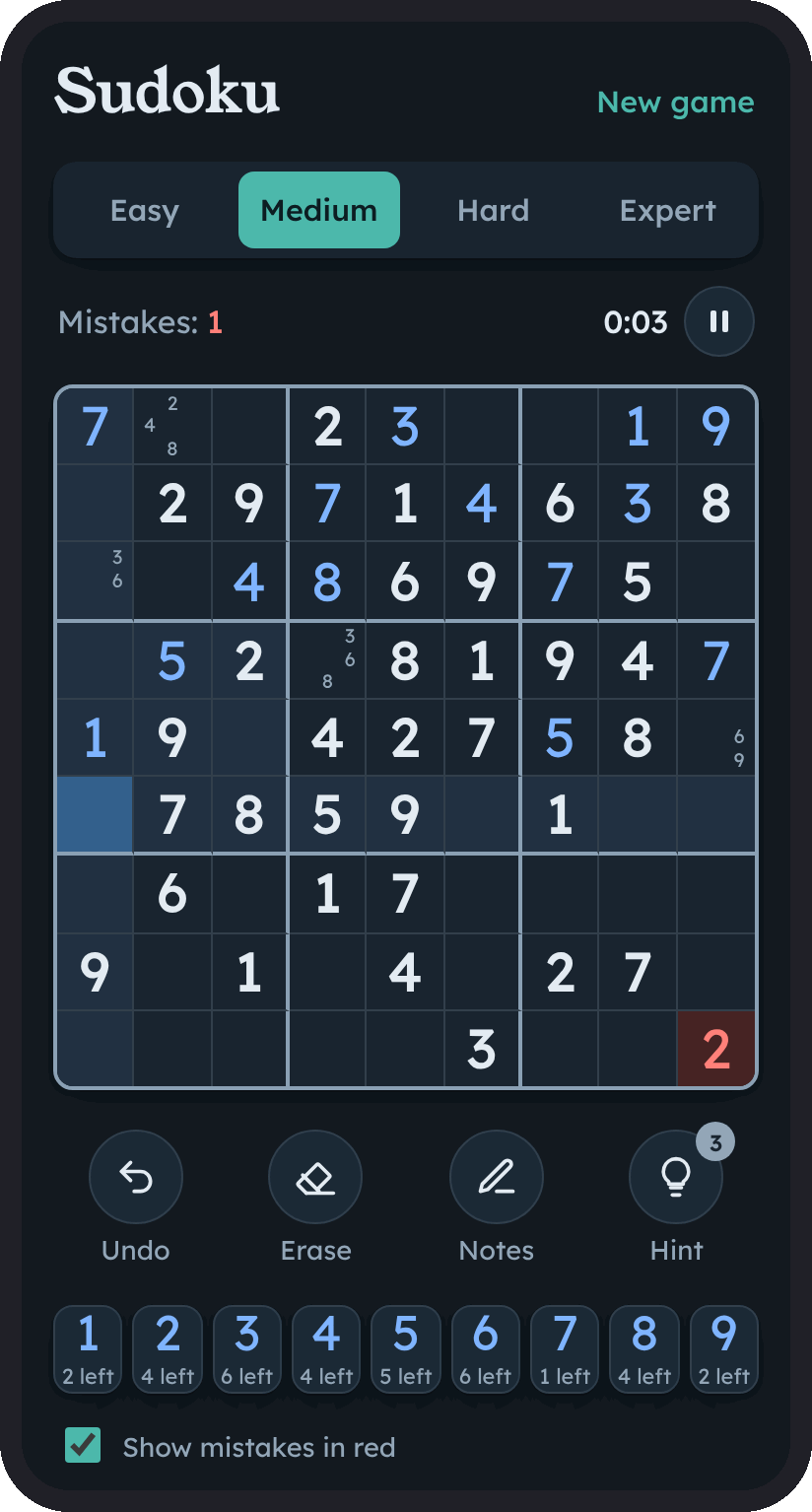
- Dark mode: if your phone is set to dark, so is the game.
Put it on your home screen
It works best added to your home screen, where it opens full screen like any other app and works with no signal. Open rkendall.com/drivel/games/sudoku once while you’re online, then:
- iPhone or iPad: open it in Safari, tap the Share button (the square with an arrow pointing up), scroll down and tap Add to Home Screen, then Add.
- Android: open it in Chrome, tap the three dots at the top right and choose Add to home screen (on some phones it says Install app). If it says the app can’t be installed, untick Desktop site in the same menu and try again.
- Computer: just bookmark it. In Chrome or Edge you can also use the install icon at the right of the address bar.
After that it opens from the Sudoku icon, online or off. When I improve it, the new version arrives the next time you open it with a connection.
It’s the first thing in the new Games corner of Drivel. Enjoy, and if you find a puzzle that’s broken or a button that misbehaves, I’d like to hear about it.